
No products in the cart.
Rated 5.00 out of 5 based on 1 customer rating
(1 customer review)



Ft33 900
A shipping available at the checkout.
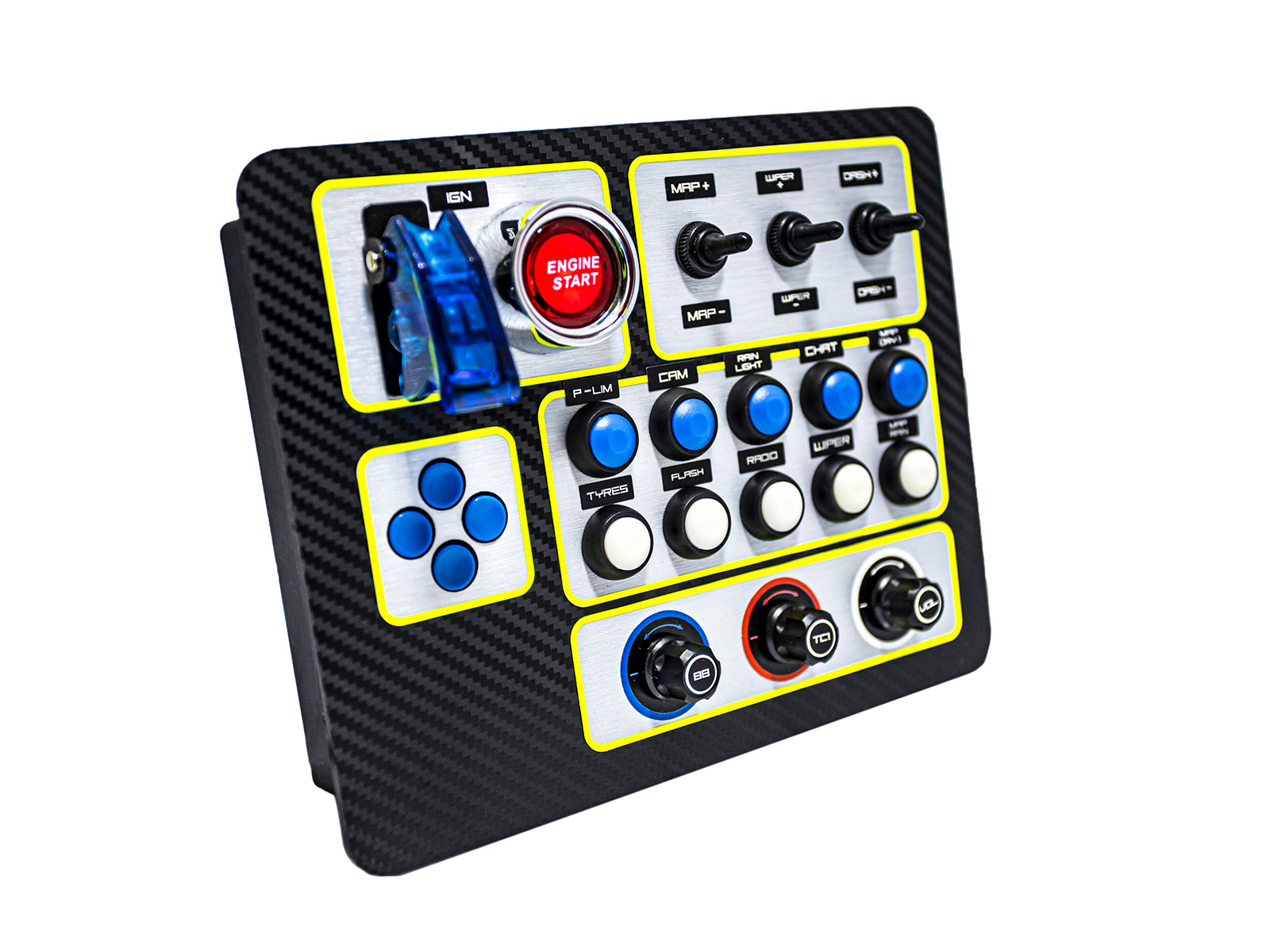
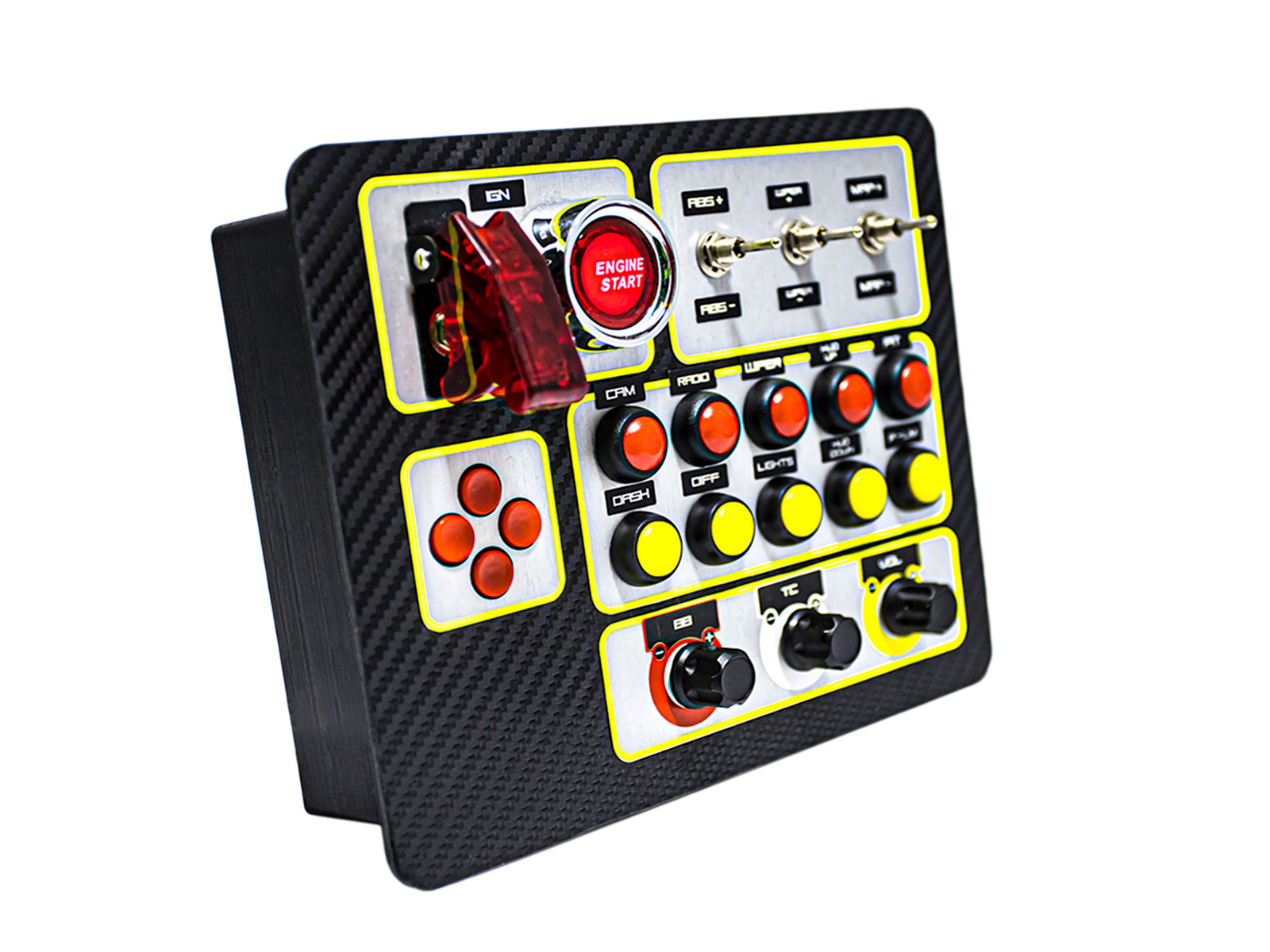
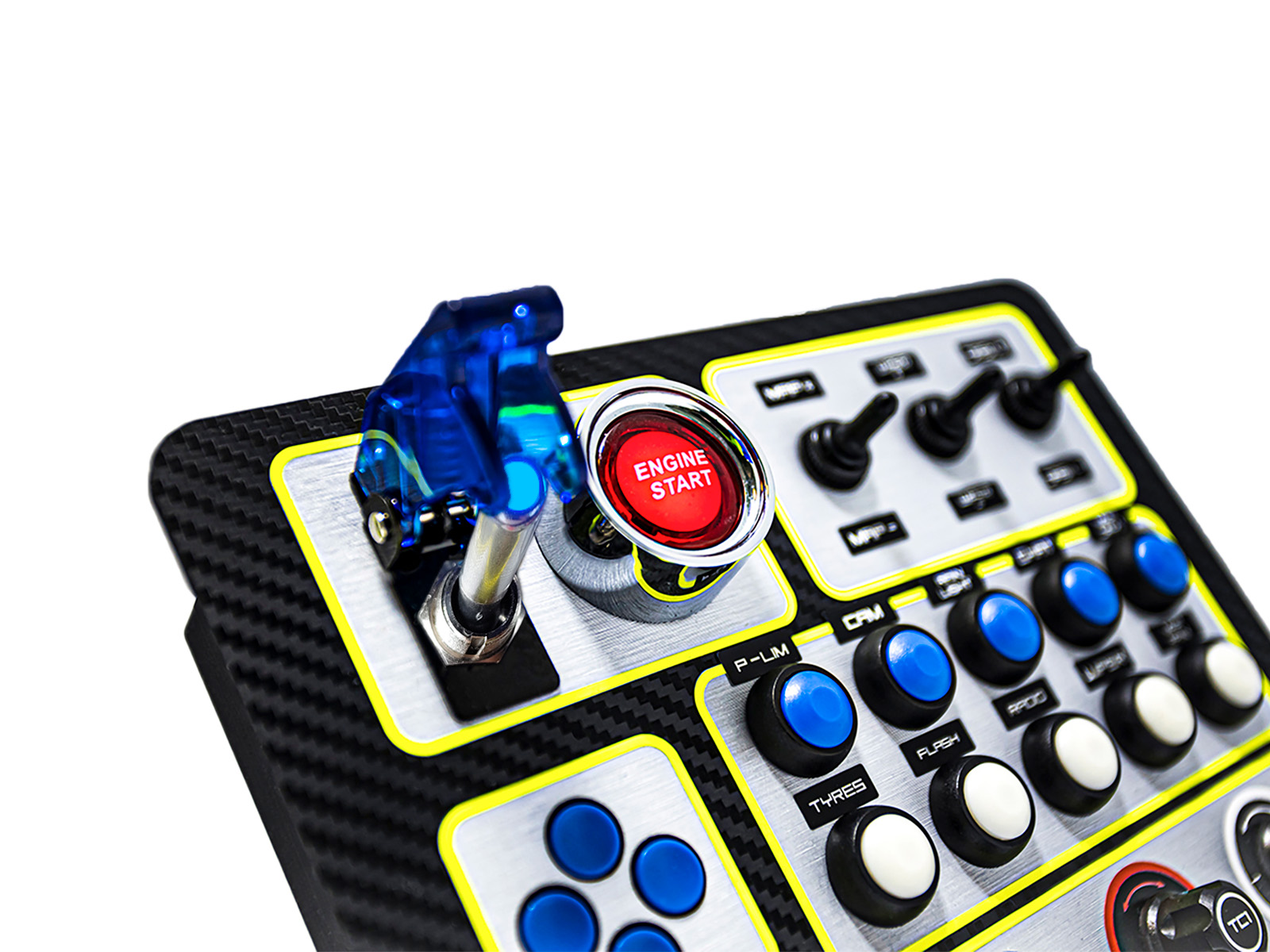
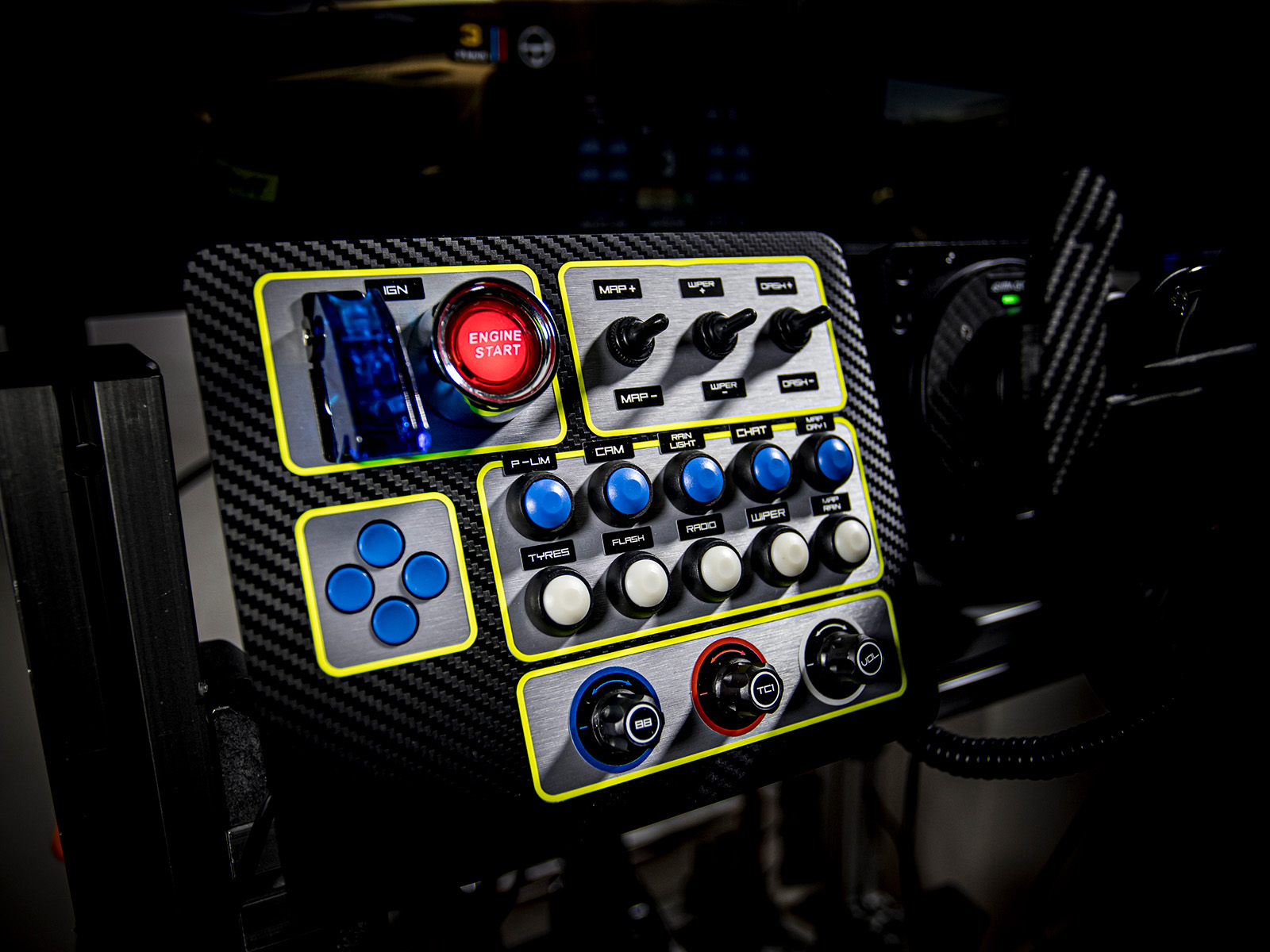
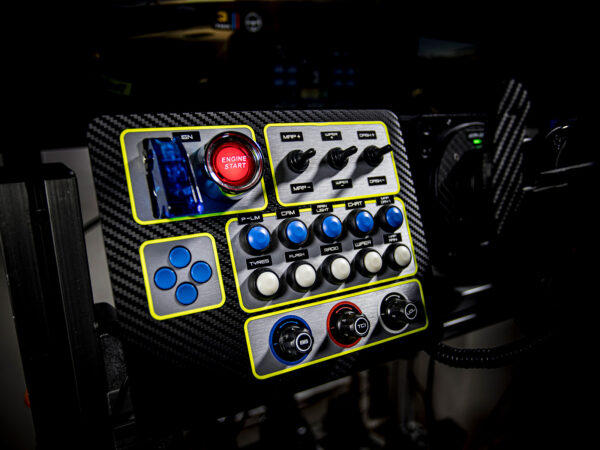
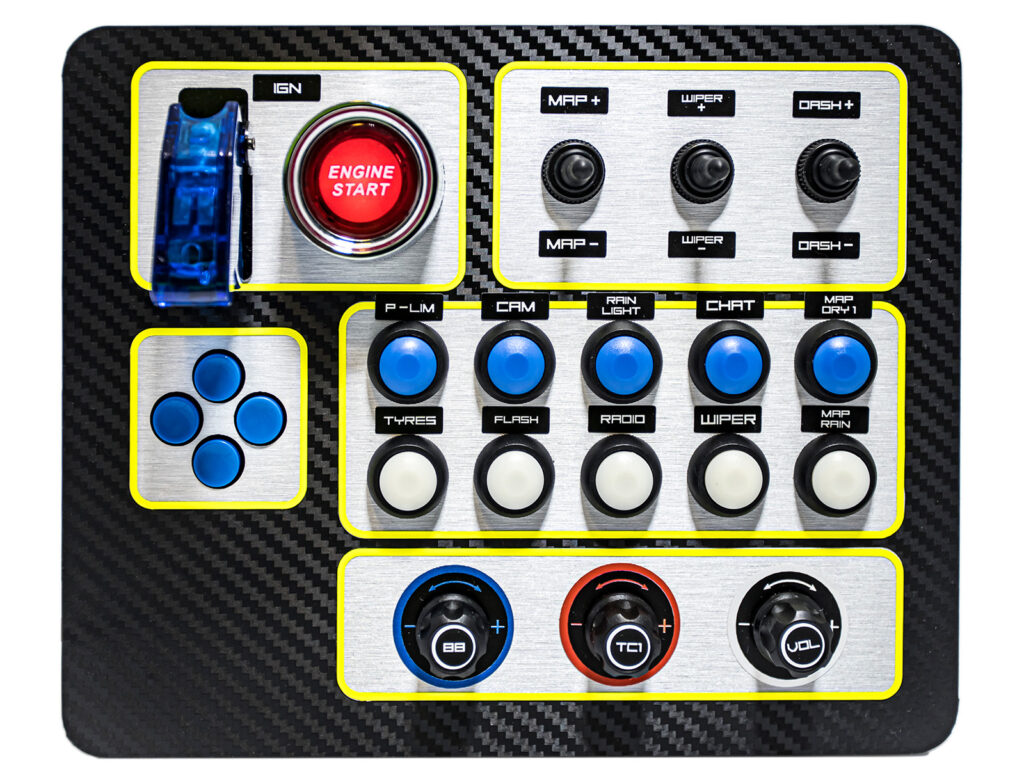
Illuminated Start button, three-position switches, color-selectable buttons, and discrete clicky encoders for a realistic experience. Charcoal-patterned front panel, foil with brushed aluminum effect around the inputs, with neon-yellow accent strips. USB-C, Plug & Play PC compatibility.
Move contact with us!
With countless customizable options You can easily adjust it to the cockpit. Depending on configuration, 32 or 35 inputs It ensures that all important functions are at hand. The fiber-polished aluminum textured islands and the Vibrant neon-yellow decorative strips They not only provide an aesthetic appearance, but also help in quick and intuitive use.
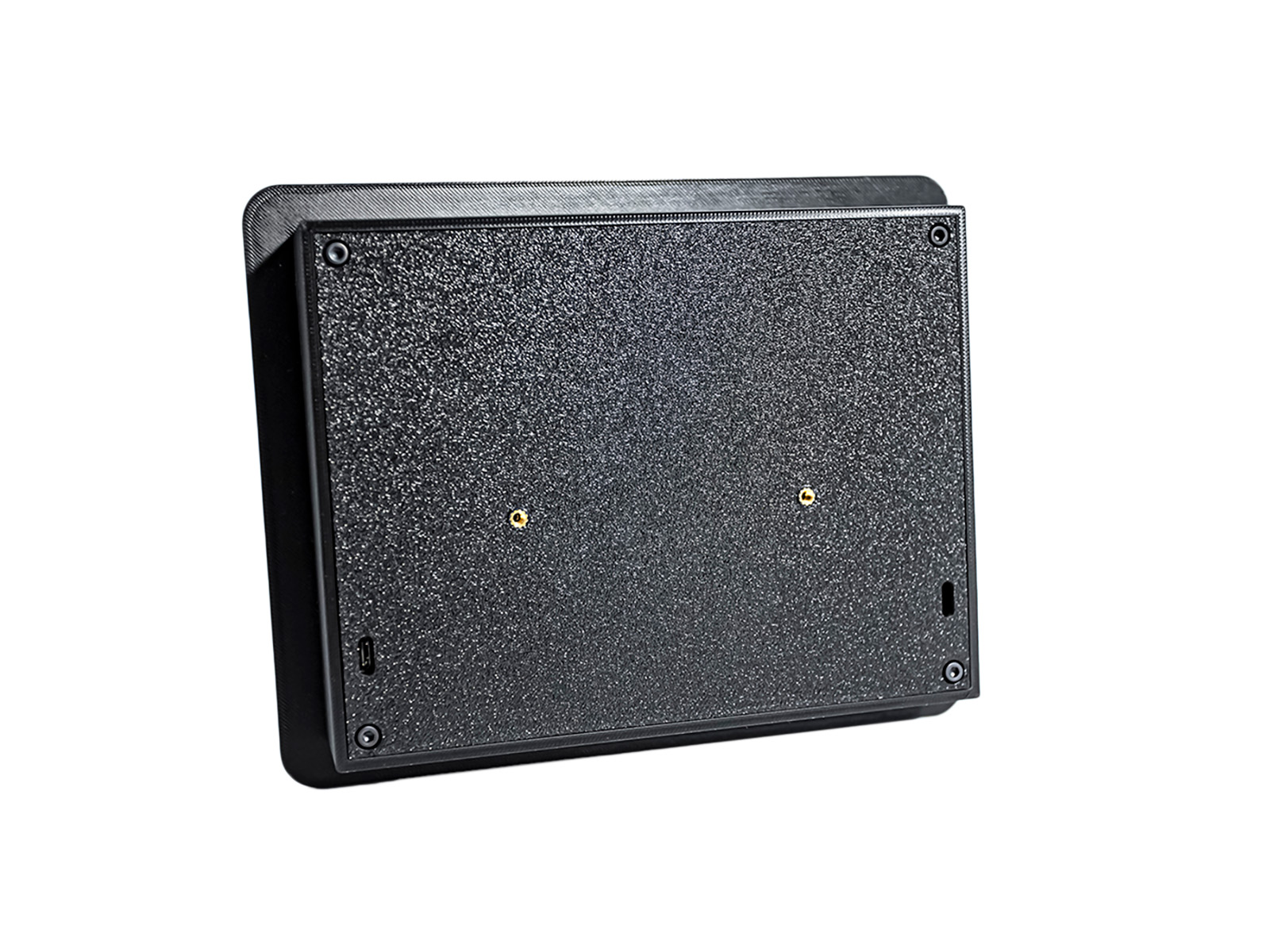
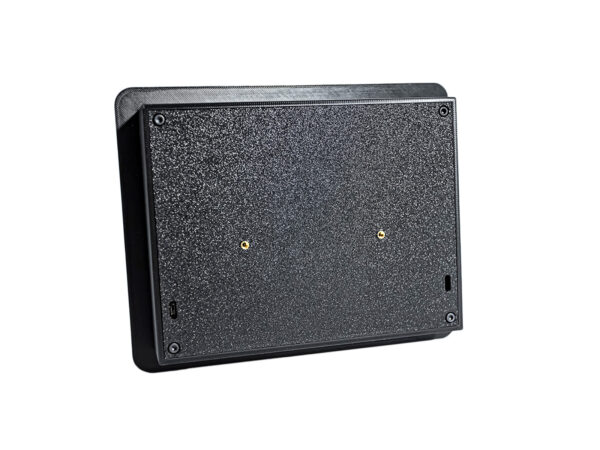
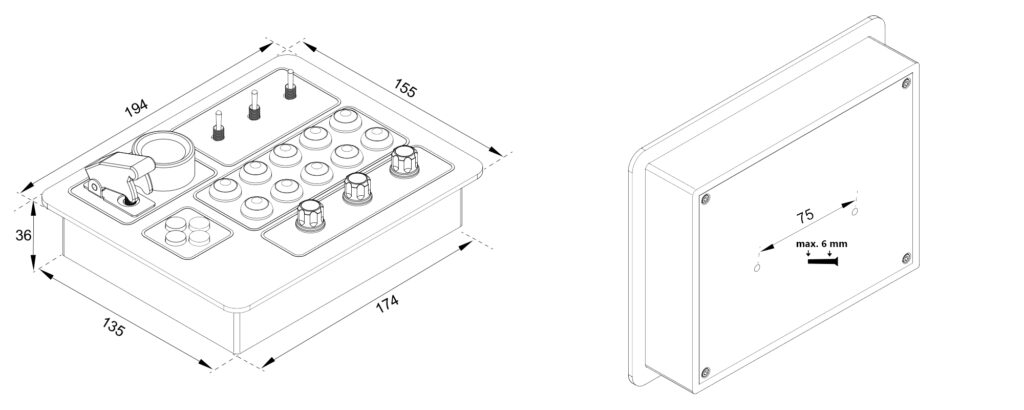
Thanks to Plug & Play operation no software installation required – after connecting, it can be used immediately in any game, whether it’s Assetto Corsa, ACC, iRacing, Euro Truck Simulator 2, etc. The USB-C port on the back is replaceable so you can easily hide the cable.
The ButtonBox panel not only has carbon fiber-patterned film, but textured wire-brushed aluminum foil wraps around the speaker cones, and they also have a vivid neon yellow trim frame.
The Box has a USB-C connector that you can switch to the right or left side if you wish, so you can best hide the cable from the box.
Depending on the configuration, you can use the 32 or 35 inputs in any game; no drivers are required.
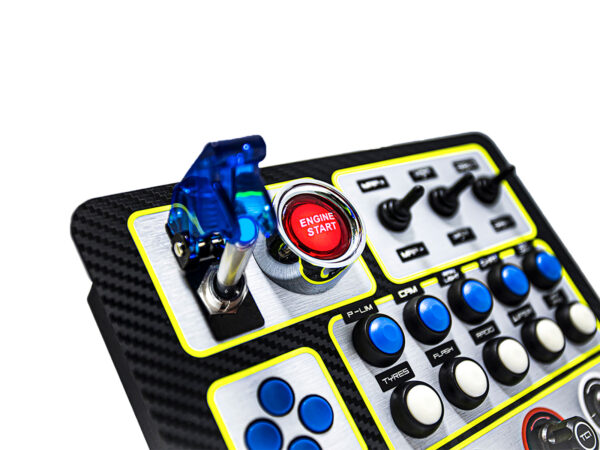
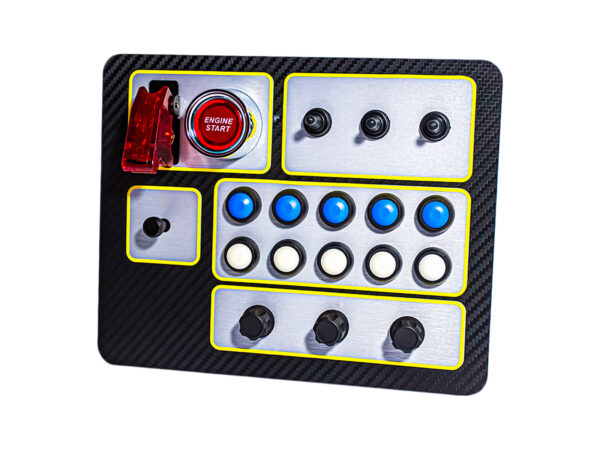
• Ignition switch (3-position)
• Glow-in-the-dark Engine Start Button
• D-Pad or Multi-Switch (4 directions, pressing, rotating)
• 3 Three-position switch
• 2 x 5 Button in selectable colors
• 3 Premium encoder button with high resistance to ensure you only turn it as much as necessary
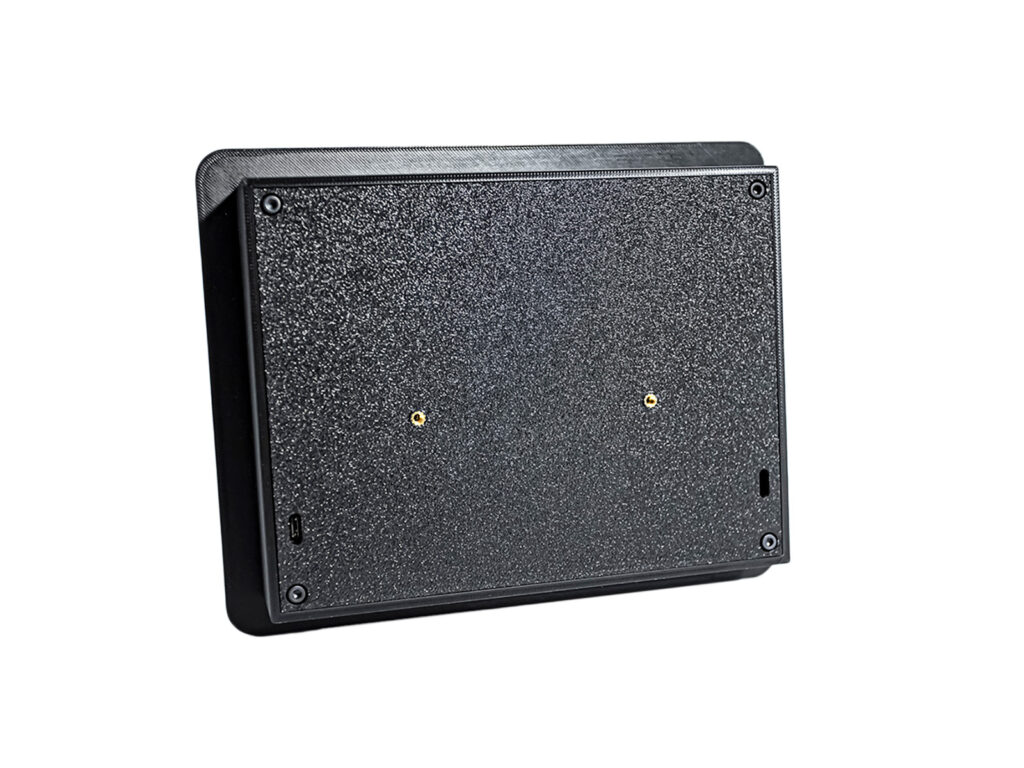
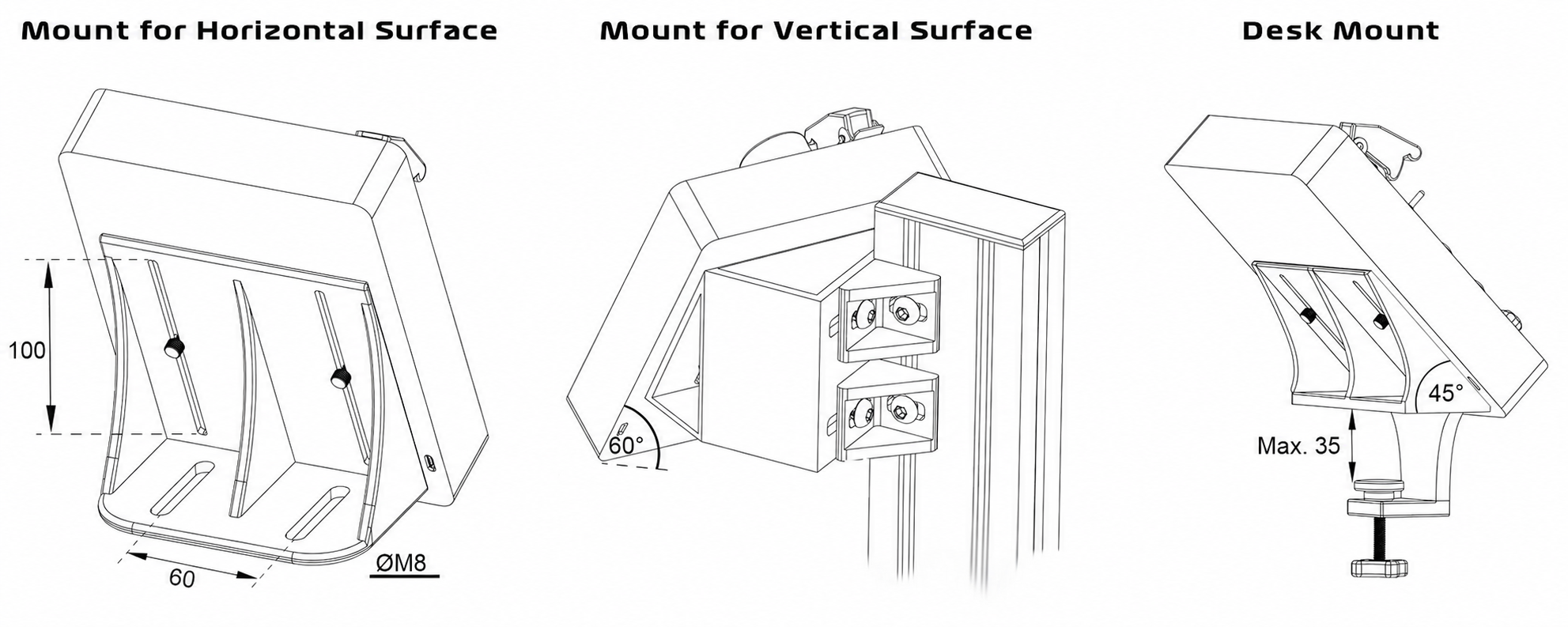
The travel range on each holder is 100mm, so you can be sure to find the correct position. The holders come with cotter screws for quick adjustment.
In the latest version of our buttonbox it is activated the ignition switch is also lit.
When the ignition is switched off, the Engine Start button also does not light up, making the cockpit even more lifelike, contributing to the simulation experience.
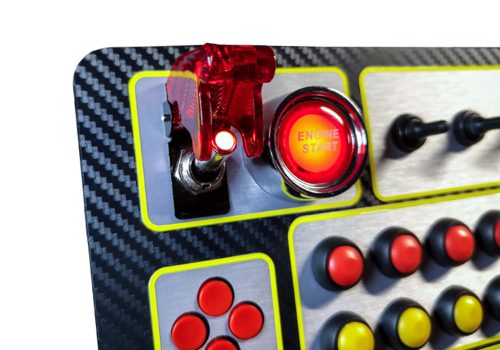
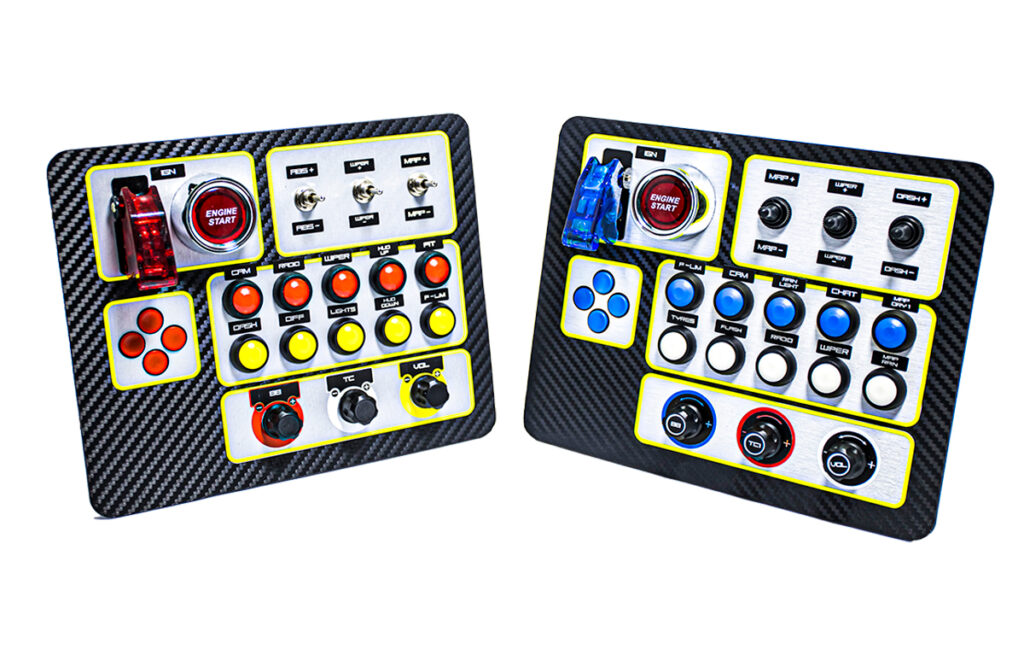
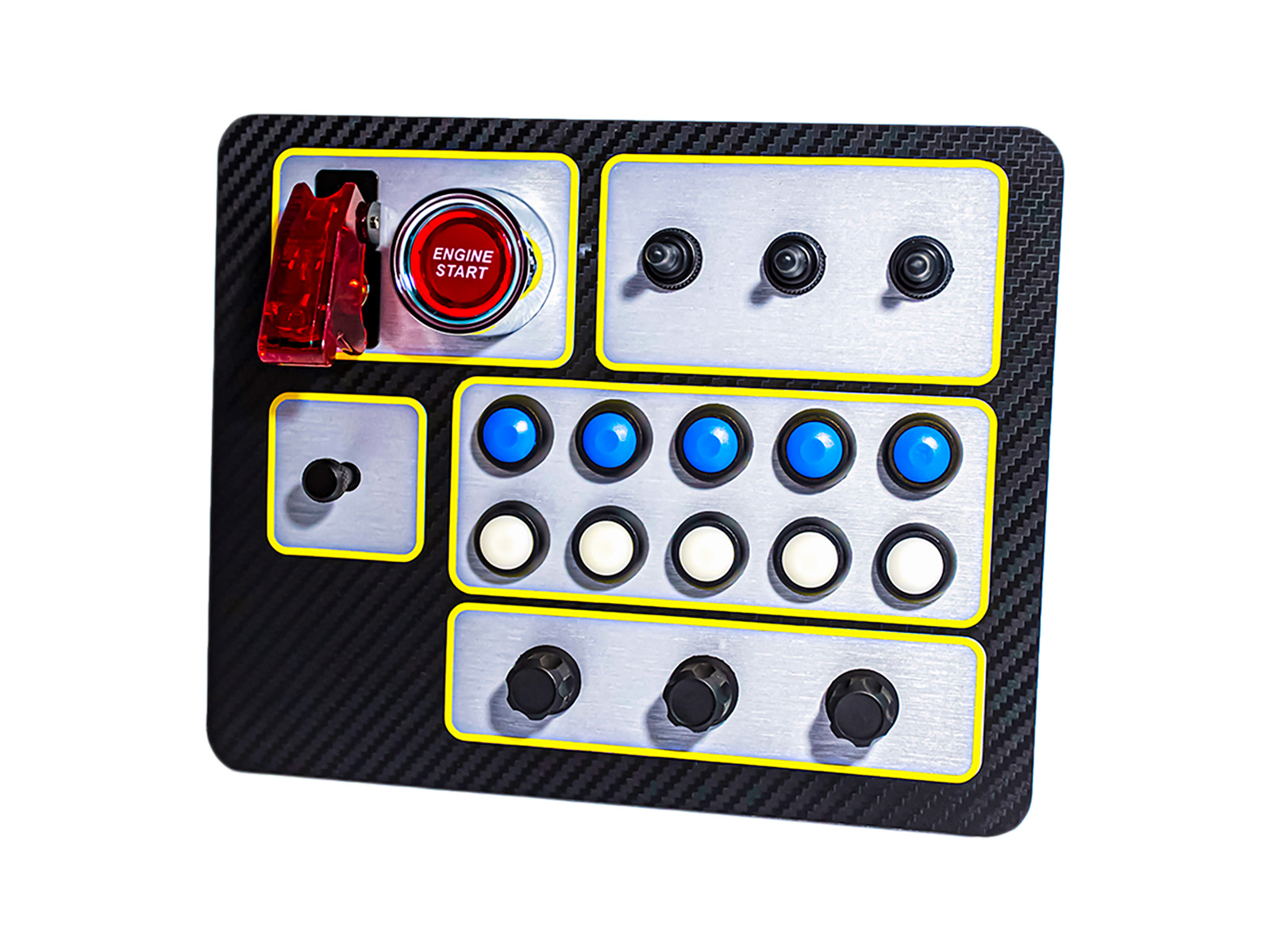
On our ButtonBox you will find countless customizable options. Thanks to its high degree of customization, the box will surely fit perfectly into your cockpit! Choose from:
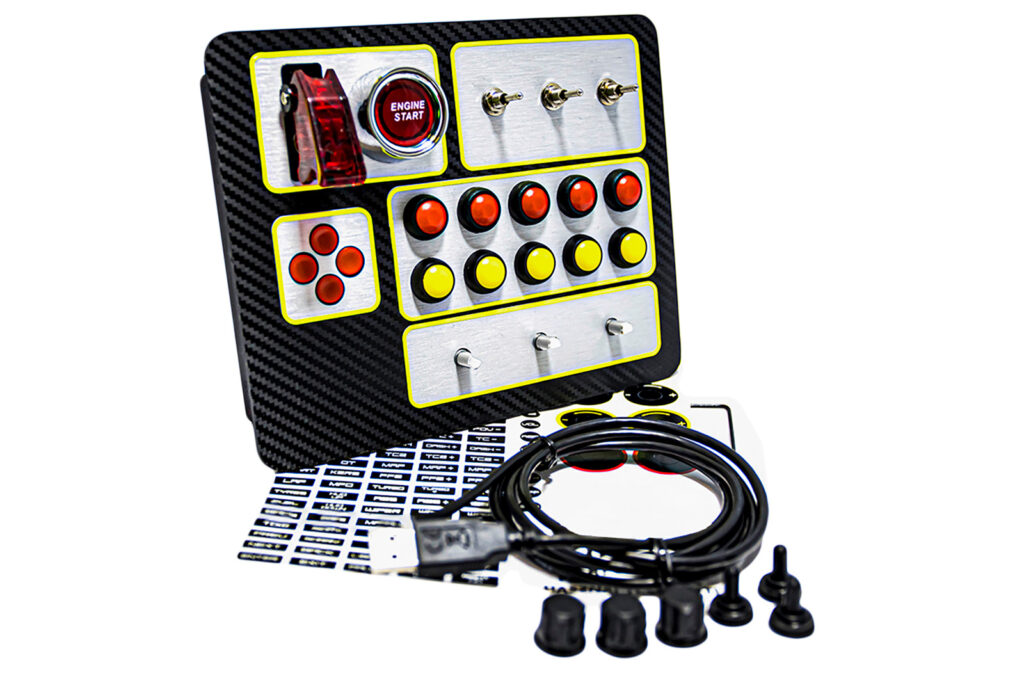
• ButtonBox Panel
• 2m USB-C cable
• Encoder caps
• Metal and Rubber Switch Accessories
• 90-piece Matric set
• Optional bracket, anchor screws for easy positioning
PC
The product comes with a 1-year warranty.
Check out our other ButtonBoxes as well here!
 <trp-post-container data-trp-p...
Ft33 900
S.Roland (verified owner) –
It is exactly as described. It is well made, you get exactly what you see % in the pictures and when you assemble it yourself, you should have something like that too! As soon as I received it, I got it set up and it works perfectly.
However, with one minor error, I cannot leave without saying anything.
The lower pot knob buttons were not fixed by the manufacturers because of the labeling. There are several different labels to choose from for the pot, and then after labeling you have to screw the pot buttons on with a screw. However, I can’t screw them on because the screws are still in place, but some white powder has come out as I was tightening the screw. Unfortunately, you can’t secure 3 out of 2 buttons with a screw, so they fall off. I used a moment adhesive to help with that.
Apart from that, it provides a fantastic experience for car or truck or other other games where it can be used.