

No products in the cart.

ButtonBox Medium
Ft29 900
A shipping available at the checkout.
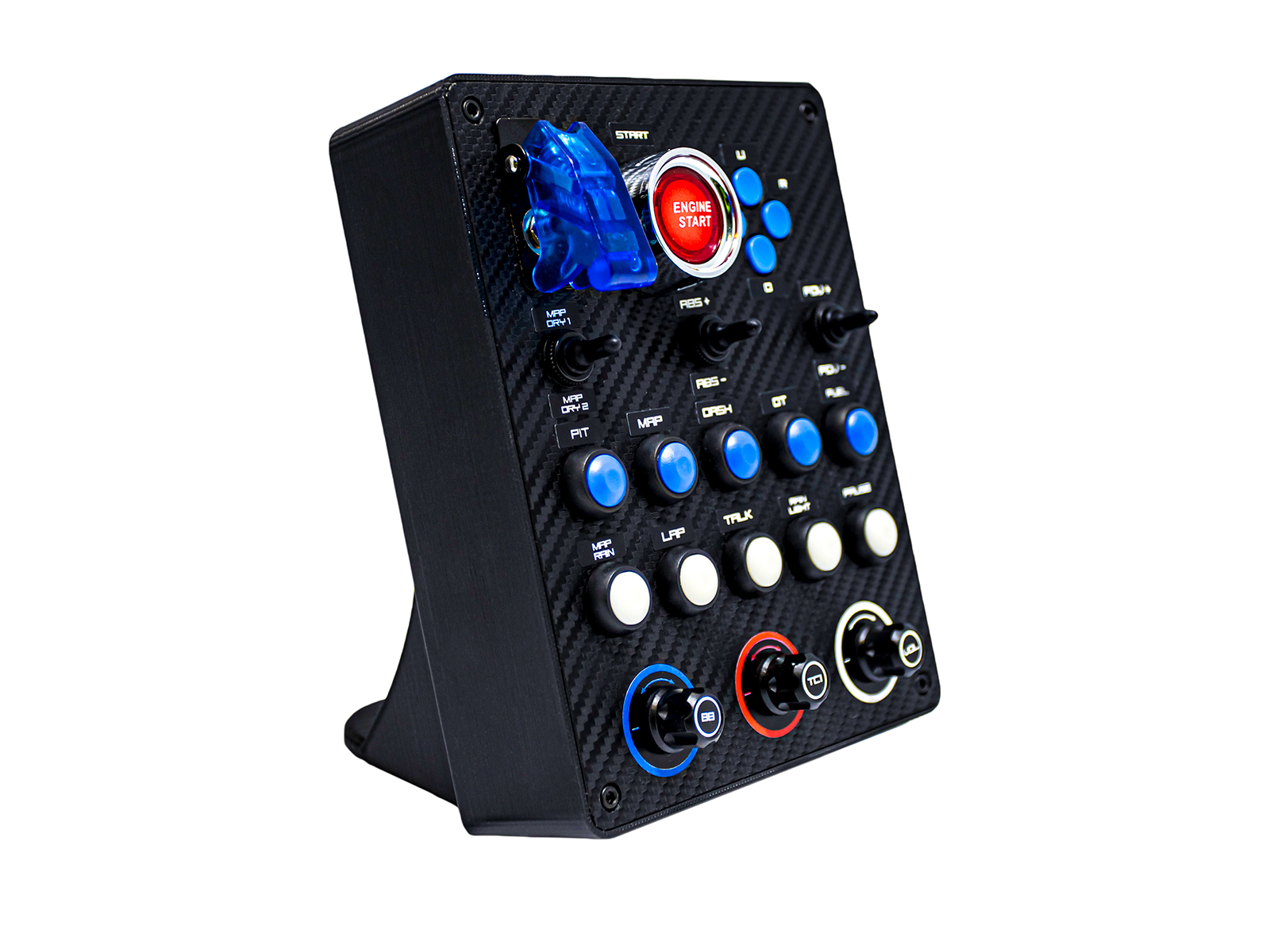
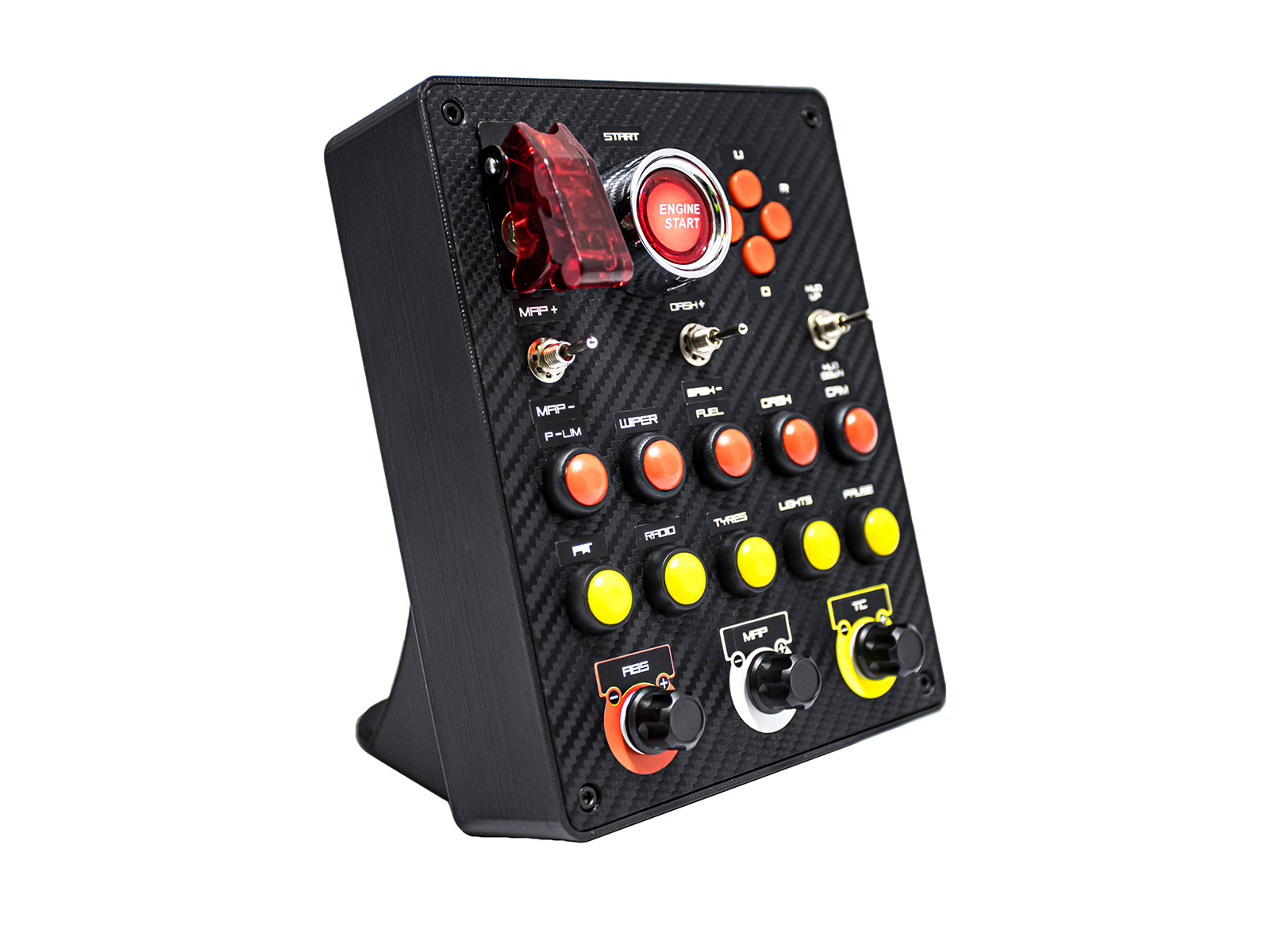
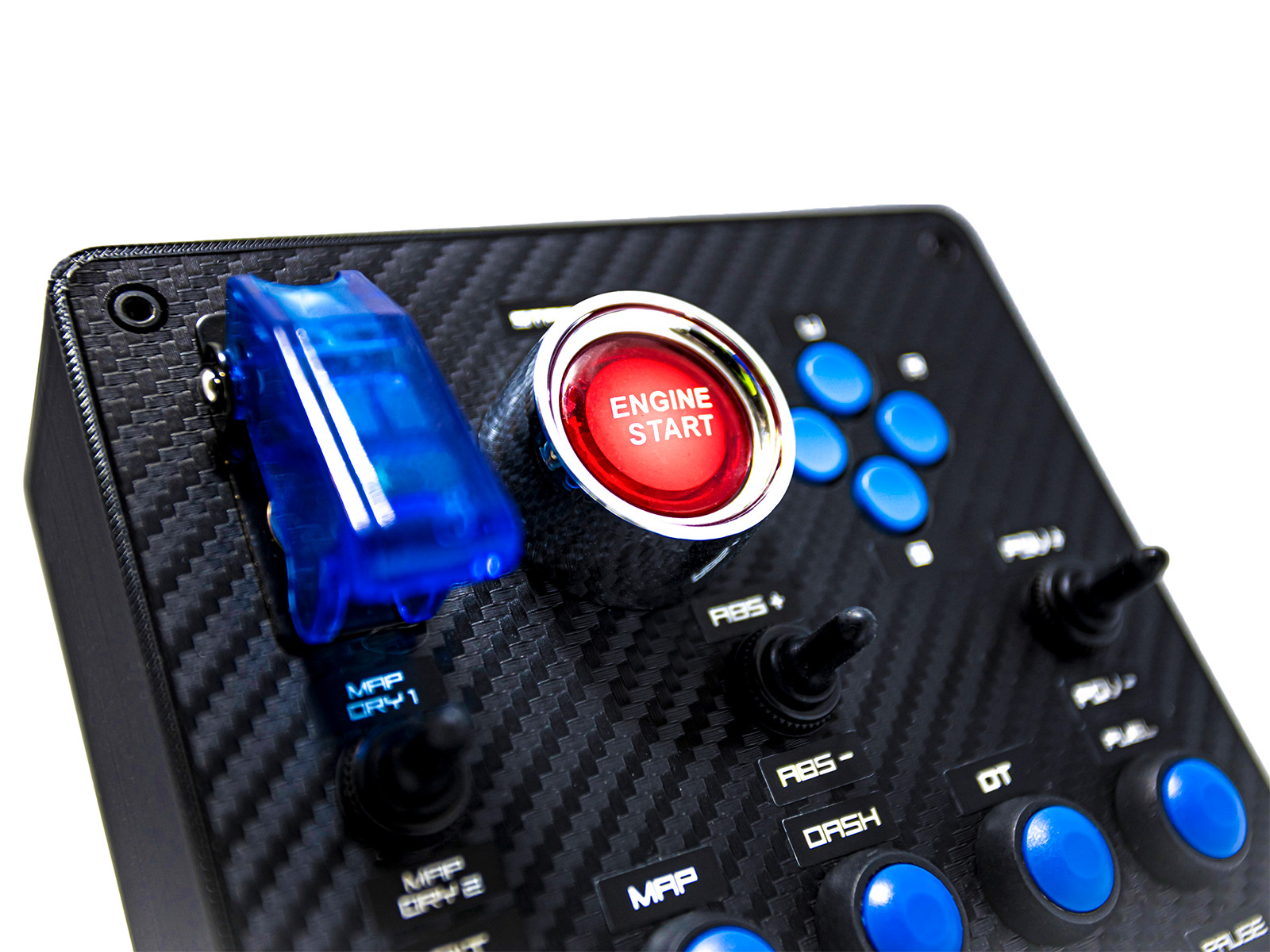
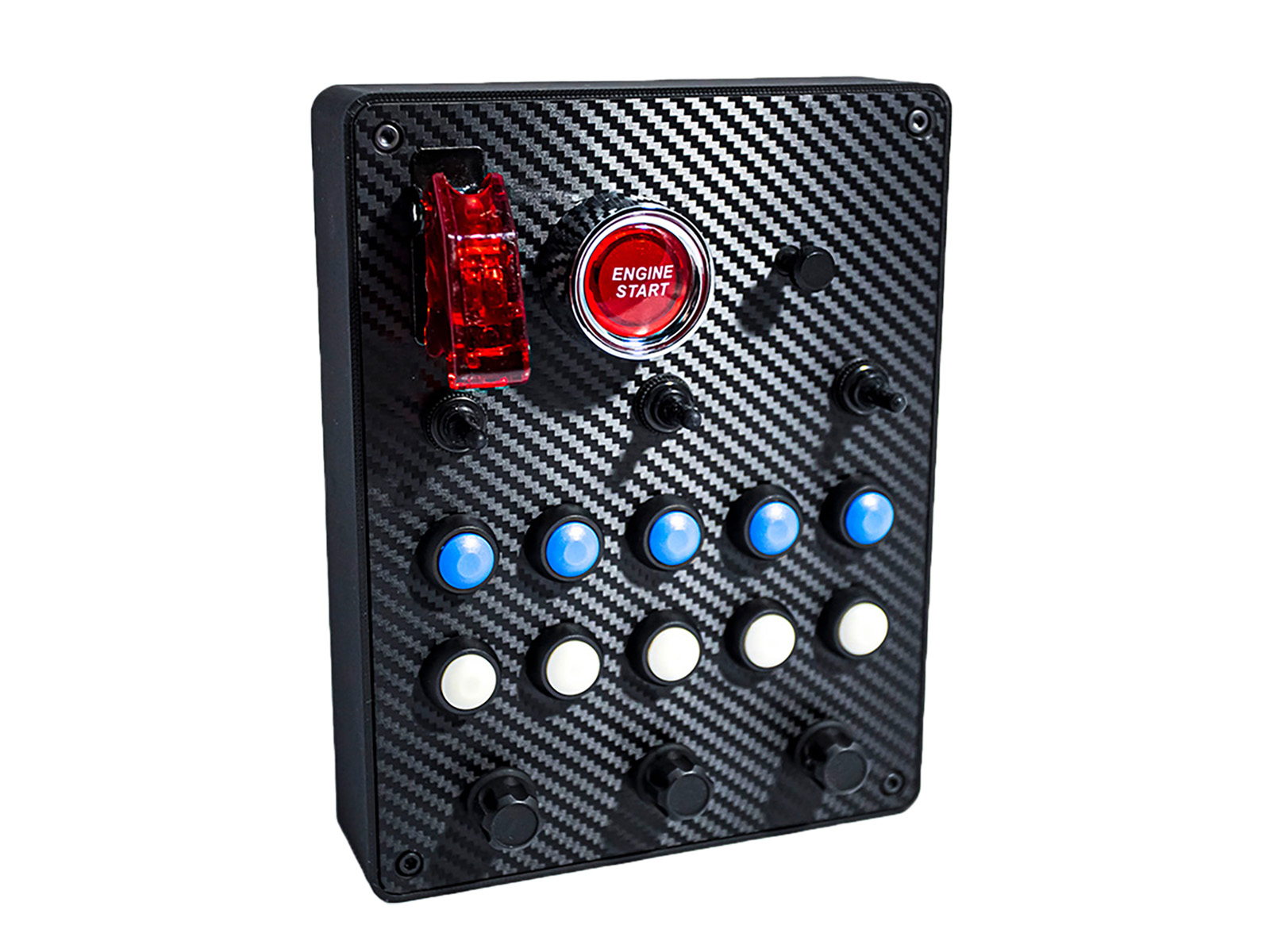
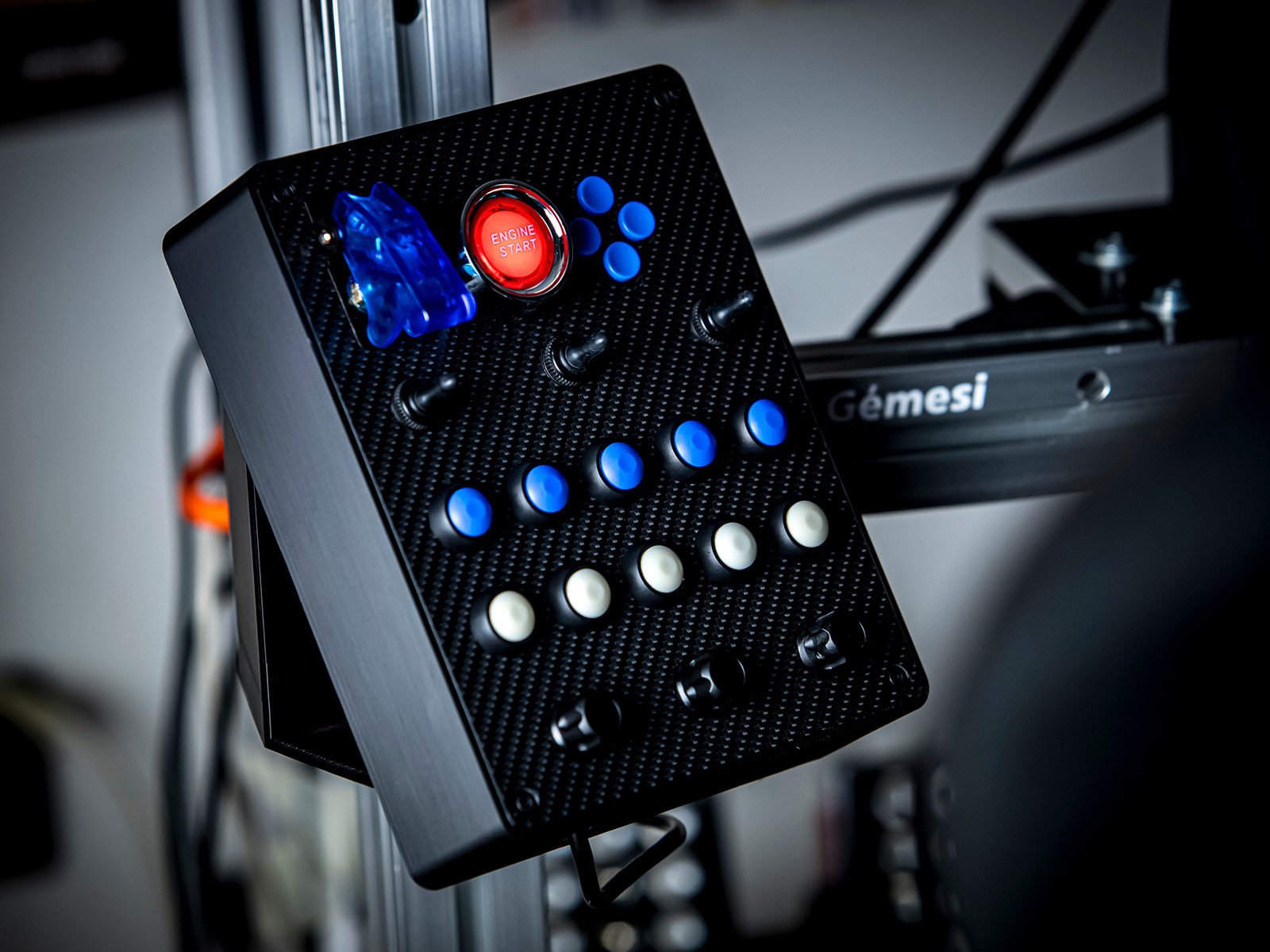
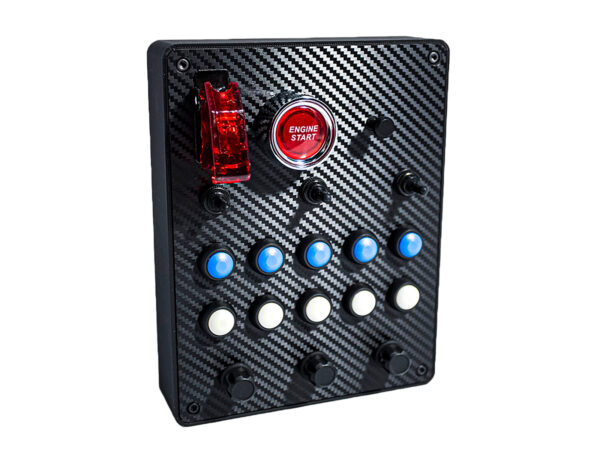
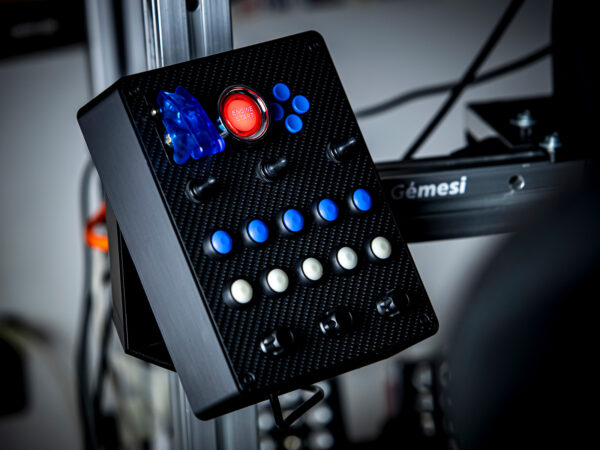
With a lighting Start button, three-position switches, selectable color buttons, and distinct clicking encoders, it makes the simulation more realistic. Charcoal-patterned front panel, USB-C connection, Plug & Play PC compatibility.
Categories: Button Boxes
Do you have a question?
Move contact with us!
ButtonBox Medium: Our Most Popular ButtonBox for Simulators
Our ButtonBox Medium box With countless customizable options You can easily adjust it to the cockpit. Depending on configuration, 32 or 35 inputs It ensures that all important functions are at your fingertips. Excellent value for money an ideal choice for any simulator.
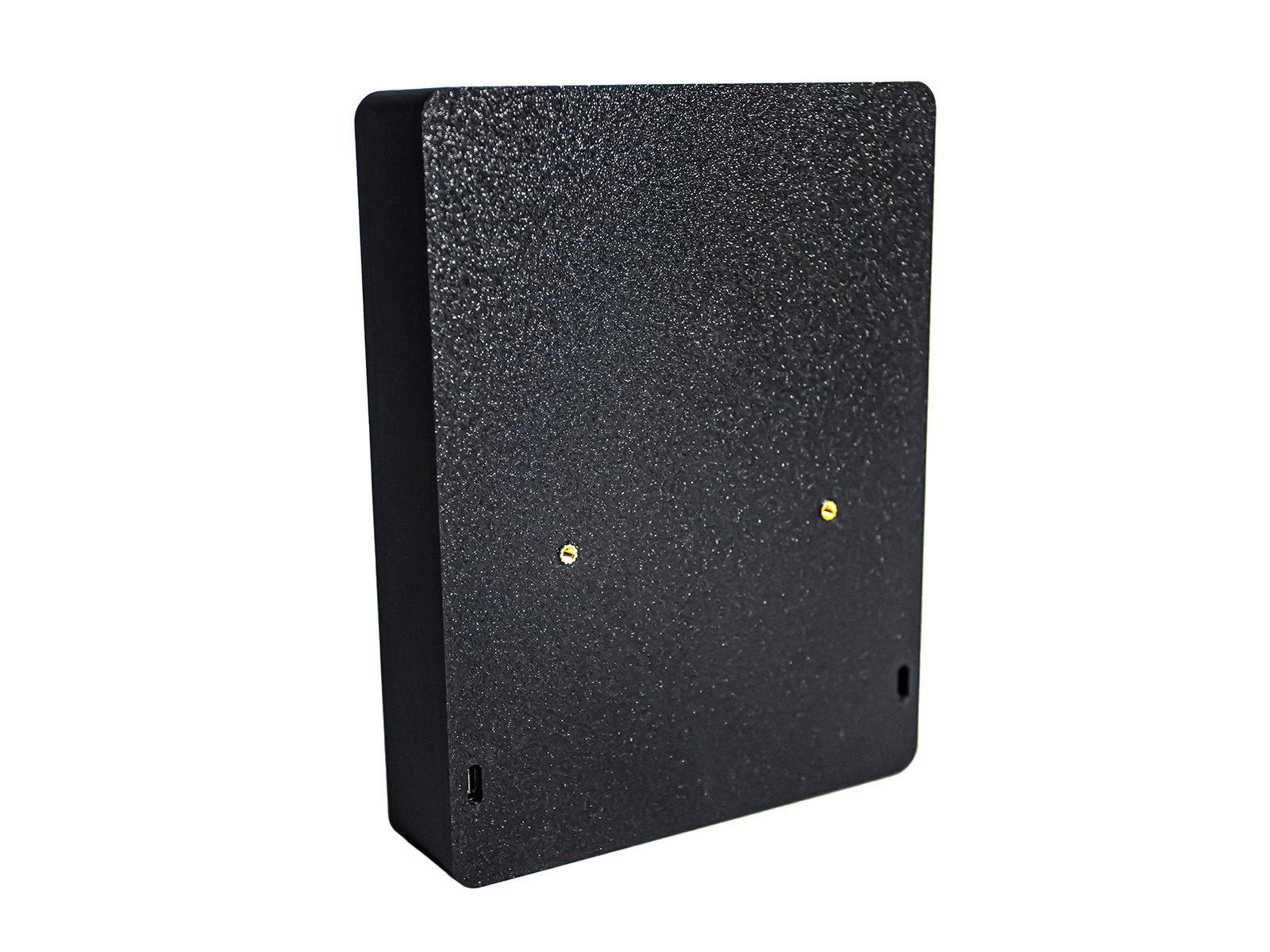
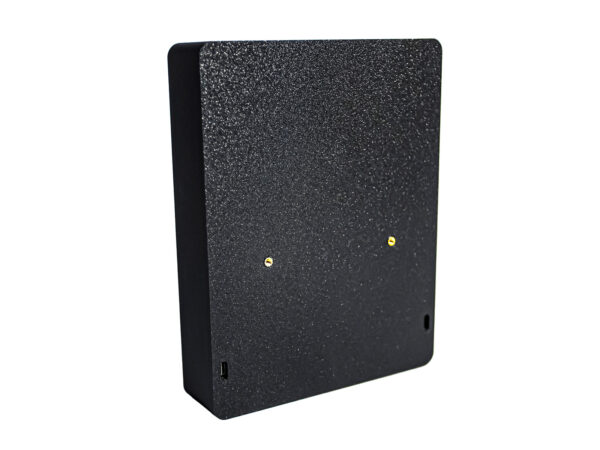
Thanks to Plug & Play operation no software installation required – after connecting, it can be used immediately in any game, whether it’s Assetto Corsa, ACC, iRacing, Euro Truck Simulator 2, etc. The USB-C port on the back is replaceable so you can easily hide the cable.
Why choose ButtonBox Medium for your simulator?
The lifelike appearance, Our ButtonBox with carbon fiber-patterned front panel USB-C It comes with a connector that you can swap to the right or left side if you want, to best hide the speaker cable.
Depending on the configuration, you can use the 32 or 35 inputs in any game; no drivers are required.
Functions in detail:
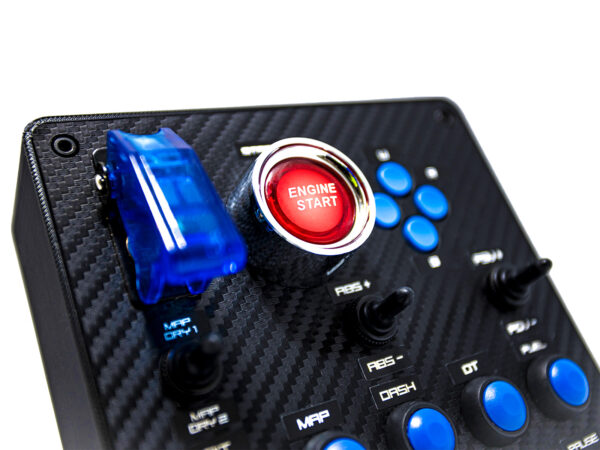
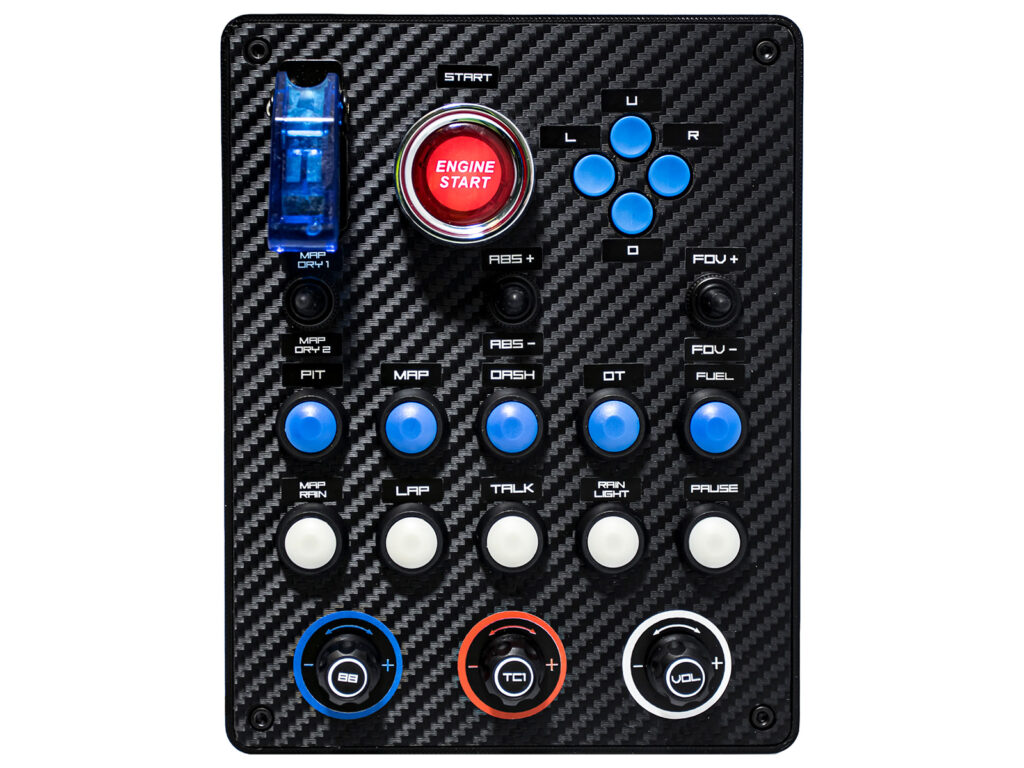
• Ignition switch (3-position)
• Glow-in-the-dark Engine Start Button
• D-Pad or Multi-Switch (4 directions, pressing, rotating)
• 3 Three-position switch
• 2 x 5 Button in selectable colors
• 3 Premium encoder button with high resistance to ensure you only turn it as much as necessary
The button box made for you
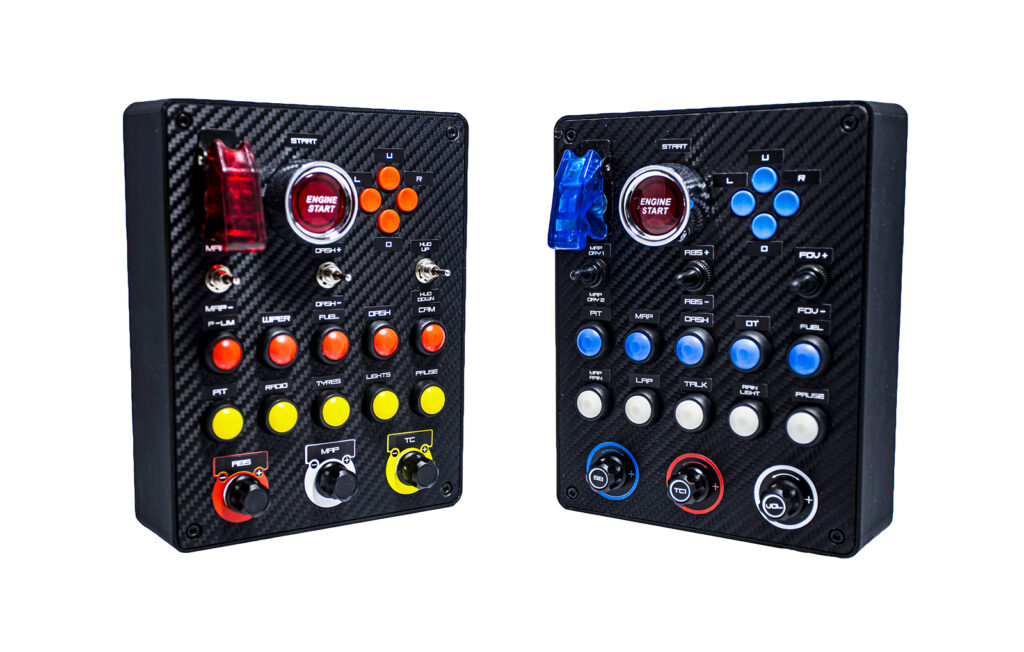
On our ButtonBox you will find countless customizable options. Thanks to its high degree of customization, the box will surely fit perfectly into your cockpit! Choose from:
- Red or Blue ignition switch cover
- D-Pad color schemes, or multi-function switch; The multi-function switch provides +3 functions, as it can be pressed in 5 directions and rotated
- Different shades of gray
- The switches have rubberized covers that can be replaced for a smooth metal look.
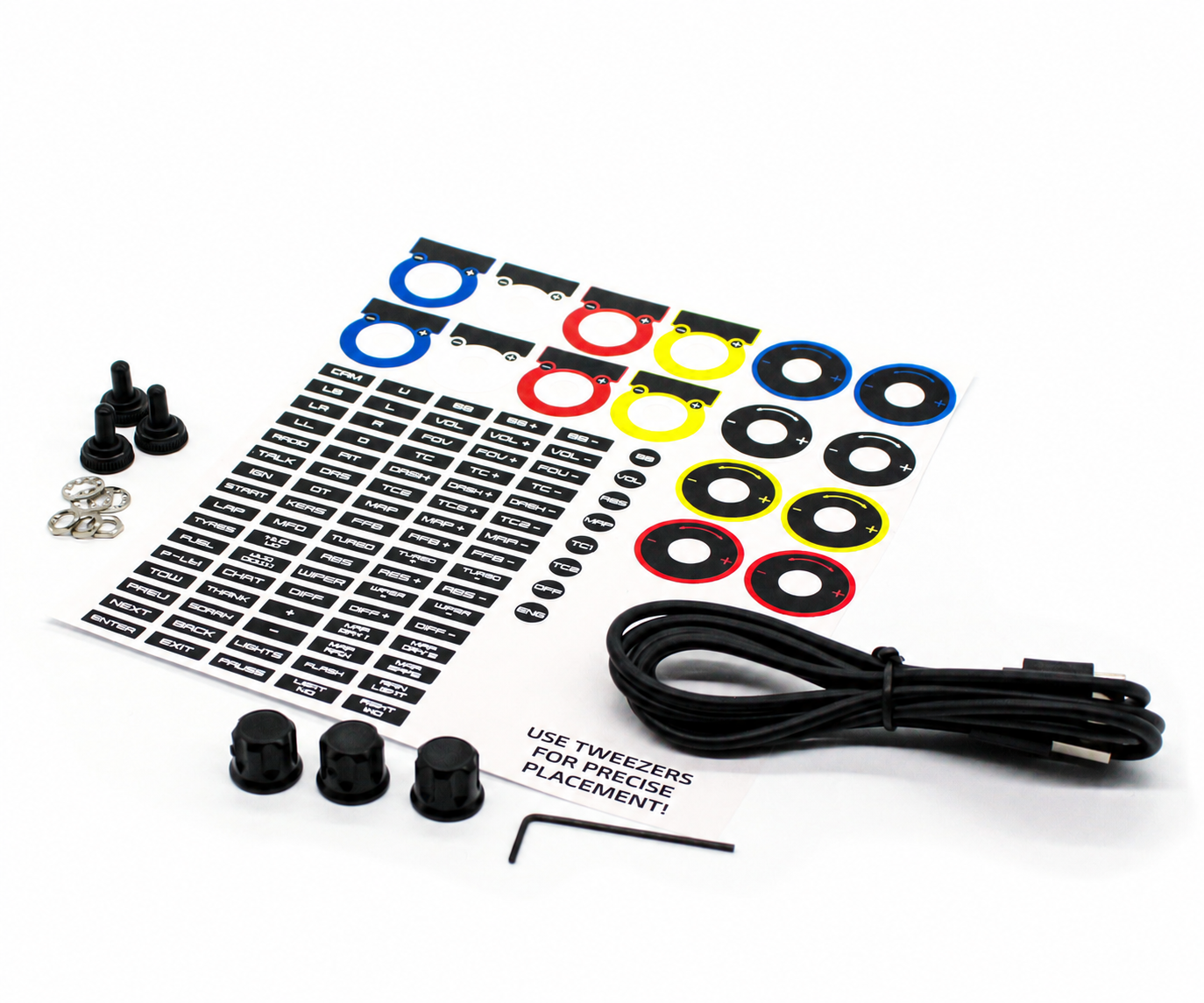
- And with the sticker, you can label each entry the way you like.
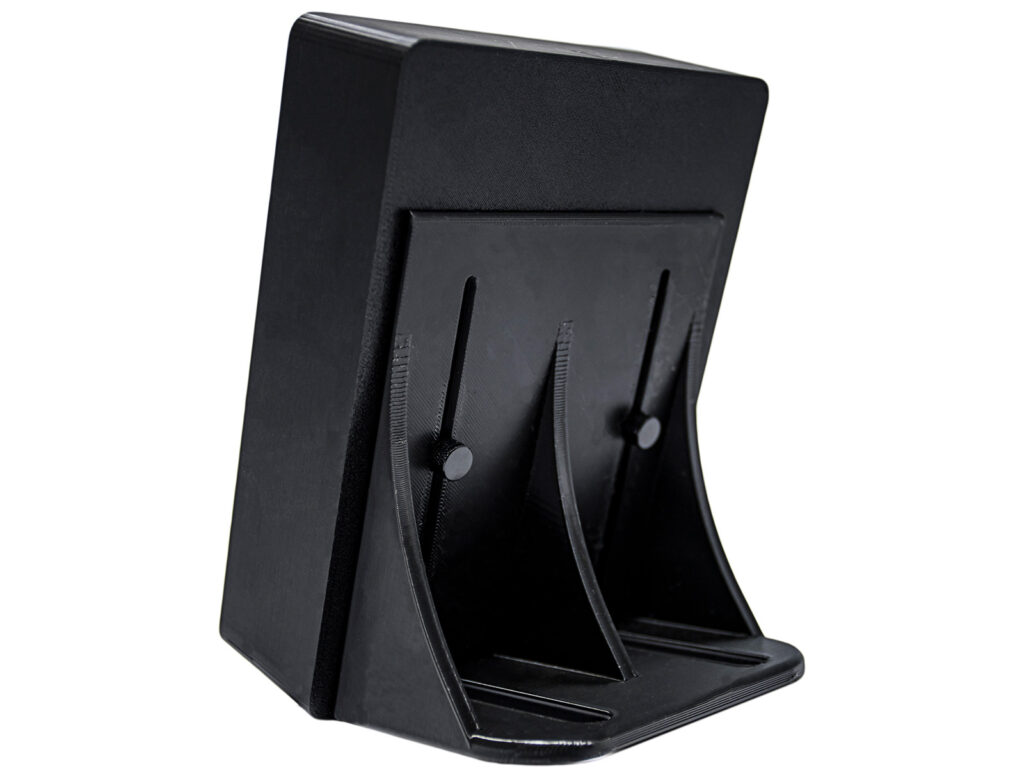
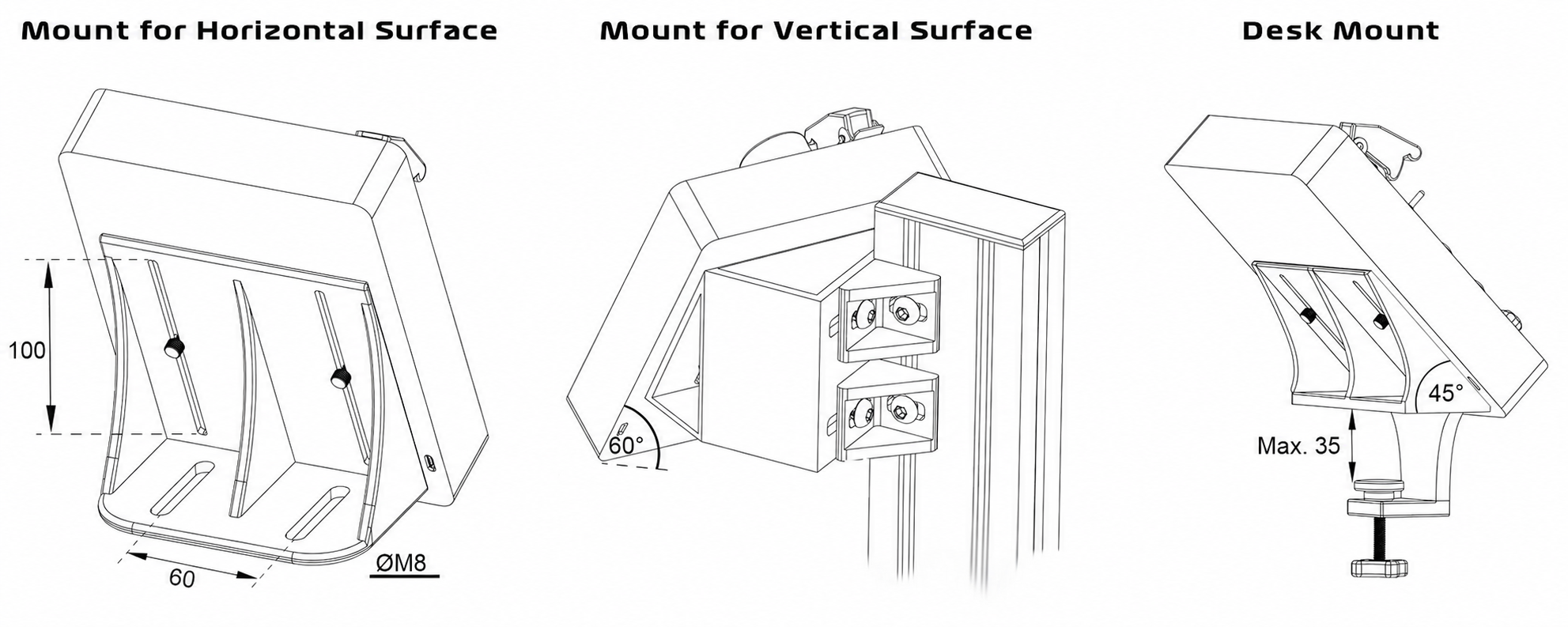
ButtonBox Medium mounting options
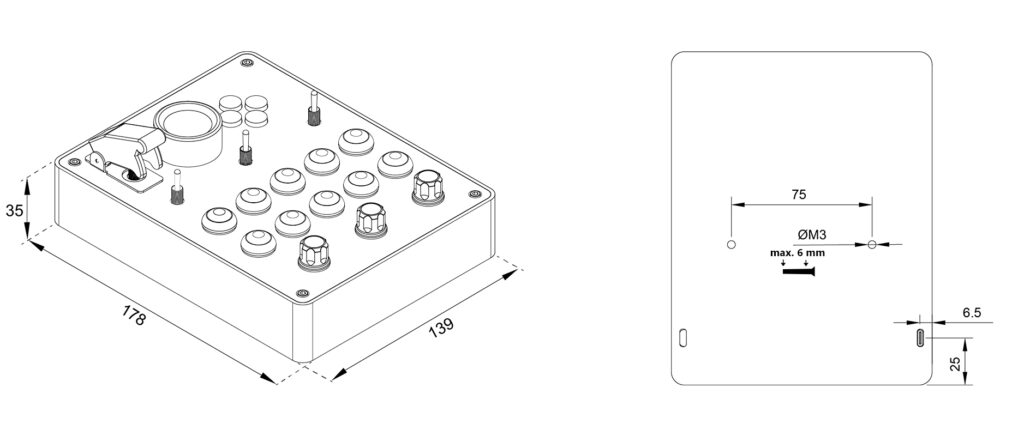
- Distance between the furrows: 75mm (M3, max 6 mm depth)
- Support for horizontal surface: For mounting on horizontal aluminum profiles.
- For use on a vertical surfacehold: For mounting on a vertical aluminum profile.
- Table holder: can be fixed to a sheet up to 35mm thick
The travel range on each holder is 100mm, so you can be sure to find the correct position. The holders come with cotter screws for quick adjustment.
Content:
• ButtonBox Medium
• 2m USB-C cable
• Encoder caps
• Metal and Rubber Switch Accessories
• 90-piece Matric set
• Optional bracket, anchor screws for easy positioning
Compatibility:
PC
Warranty:
The product comes with a 1-year warranty.
Check out our other ButtonBoxes as well here!
ButtonBox Medium dimensions
ButtonBox Medium Mounting options
Be the first to review “ButtonBox Medium” Cancel reply
 <trp-post-container data-trp-p...
Ft29 900
Select options
Reviews
There are no reviews yet.